Microsoft Advertising Integration
Connecting Microsoft Advertising extends Kenzsys's paid-search reporting beyond Google. Once linked, Kenzsys pulls your Microsoft Advertising campaign performance, spend, and conversion data automatically, so firms running search ads on both Google and Microsoft can see the full picture instead of just half of it.
What this integration enables
Once Microsoft Advertising is connected, the following become available in Kenzsys:
- The Cost Per Lead KPI includes Microsoft Advertising spend alongside Google Ads.
- The Ad Return KPI includes Microsoft Advertising contribution (also requires Clio).
- The Attribution page shows lead-to-revenue tracing broken out by Microsoft Advertising campaign.
- The Performance Trends chart displays Microsoft Advertising as its own channel, separate from Google Ads.
- The Weekly Playbook surfaces underperforming Microsoft Advertising campaigns.
Step-by-step: how to connect
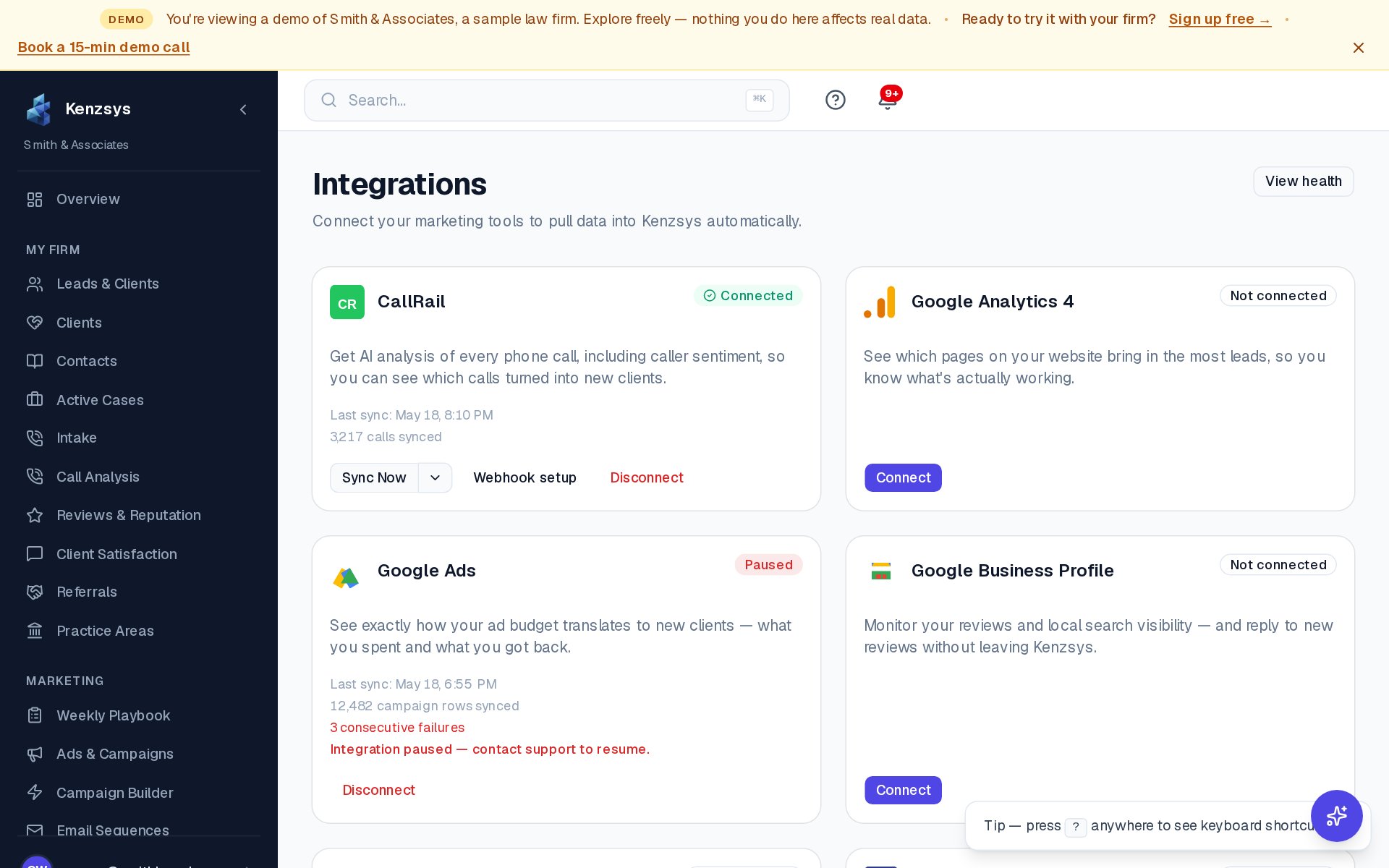
- In the Kenzsys left sidebar, click Settings, then click the Integrations tab.
- Find the Microsoft Advertising card in the grid and click Connect.
- A popup opens to the Microsoft sign-in page. Sign in with the Microsoft account that has access to your Microsoft Advertising account.
- On the permissions screen, review the requested permissions (read-only access to Microsoft Advertising data) and click Allow.
- The popup closes and Kenzsys lists the Microsoft Advertising accounts your login can access. If you manage multiple accounts, pick the one that belongs to your firm.
- The card flips to Connected and the first sync begins automatically.
What syncs and how often
Once connected, Microsoft Advertising syncs on the same schedule as Google Ads:
- Campaigns, ad groups, and keywords sync daily.
- Spend, impressions, clicks, and CTR sync daily.
- Conversions reported in Microsoft Advertising sync daily.
Where to see the data
Microsoft Advertising data shows up in several places throughout Kenzsys:
- Overview dashboard — Cost Per Lead and Ad Return KPIs.
- Attribution page — full breakdown by campaign row.
- Lead detail pages — every Microsoft Advertising-sourced lead shows the originating campaign.
- Reports — monthly AI reports include a Microsoft Advertising section once connected.
First sync takes 5 to 15 minutes. If you don't see any campaign rows after 15 minutes, see the troubleshooting section below.
Troubleshooting
If you connected Microsoft Advertising but see no data after 15 minutes:
- Confirm the Microsoft account has Advertising access, not just a personal Microsoft account. Sign in at ads.microsoft.com in a new tab with the same account and confirm you see campaign data. If you don't have access, sign out of Kenzsys's Microsoft Advertising integration and reconnect with an account that does.
- If you used a Microsoft Advertising manager or agency account, confirm you selected the right sub-account when linking. You can switch the linked account from Settings > Integrations > Microsoft Advertising > Switch account.
- If the account is brand new, Microsoft sometimes delays data availability through the API for a short period. Wait a few hours and check again.
- If none of the above resolves it, email hello@kenzsys.com with your Microsoft Advertising Customer ID and we'll investigate.