Roles, Profiles & Multi-Org
Law firms increasingly work with outside agencies and vendors — a PPC shop, an SEO consultant, a freelance analyst — and need to share marketing performance data with them without exposing privileged client information alongside it. Other firms operate across multiple locations or entities, or are themselves an agency serving several clients, and need clean separation between each firm's data. Kenzsys handles both situations with three layers that work together: roles, admin-defined access profiles, and multi-org support.
The four roles
Every person you add to Kenzsys has one of four roles. Roles set the outer boundary of what someone can do — access profiles, covered below, narrow that further.
- Admin — full access. Manages the firm's settings, integrations, billing, and team.
- Member — the normal day-to-day user. Can view and edit leads, content, and other working data, but can't touch firm-level settings.
- Viewer — read-only across everything they can see. Viewers can't create, edit, or delete anything. This isn't just a hidden button in the interface — it's enforced at the database level, so it can't be worked around by going around the app directly.
- Restricted viewer — built specifically for an outside vendor or contractor working under an NDA, such as a PPC agency, an SEO consultant, or a freelance analyst. Like Viewer, it's read-only. Unlike Viewer, it's also denied access to most data outright, so even a determined attempt to pull data outside the allowed set comes back empty. Because this role is meant to guarantee an outside party sees only what your firm intends, it isn't self-serve — see "Setting this up" below.
Admin-defined access profiles
On top of the four roles, an admin can define access profiles that control, person by person, exactly which pages of Kenzsys someone can see and which categories of sensitive data are visible to them. This is what makes it safe to bring an outside marketing vendor into Kenzsys at all — you can hand them full campaign performance without handing them your clients' identities along with it.
An access profile can:
- Limit which specific modules or pages a team member sees at all.
- Toggle Client identity — when denied, names, phone numbers, and email addresses are stripped out of every lead and call record that person views. A vendor can review which channels are driving results and how many leads came in without ever seeing who those leads actually are.
- Toggle Call transcripts — access to full call recordings and transcripts can be granted or withheld independently of general call metrics, so someone can see call volume and outcomes without hearing or reading the calls themselves.
- Toggle Traditional media spend — visibility into offline spend like TV, radio, and print can be switched on or off separately from digital ad spend.
These aren't display filters. A denied field is genuinely never sent to that person's browser — the database itself won't return it — so the restriction holds even if someone inspects network traffic or calls the API directly.
Access profiles for Admin, Member, and Viewer roles are fully configurable by your firm's admins — nothing here requires Kenzsys to get involved.
Working across multiple firms
Some accounts belong to more than one organization in Kenzsys — an agency managing several law firm clients, or a consultant under contract to multiple firms. These accounts get an org switcher, letting them move between the firms they work with. Each firm's data stays completely separate: a multi-org user only ever sees one firm's data at a time, scoped to whichever organization is currently active, and every firm sets that user's role and access profile independently. Switching to Firm B doesn't carry over anything you were permitted to see at Firm A, and vice versa.
This is primarily a feature for the agencies and vendors that serve multiple law firms, though firms with more than one office or legal entity can use it the same way.
Turning modules on or off
Separately from individual access profiles, an admin can turn entire modules off for the whole organization. If your firm doesn't use Content Studio, or doesn't want AI features enabled at all, an admin can disable those modules org-wide and they disappear from the navigation for everyone at the firm, not just for one person.
These boundaries are real, not cosmetic. Restricted viewer access and every access-profile toggle — client identity, call transcripts, traditional media spend, module visibility — are enforced at the database level through row-level security, not just hidden in the interface. A vendor or contractor genuinely cannot retrieve data outside what your firm allows, even by calling the API directly.
Setting this up
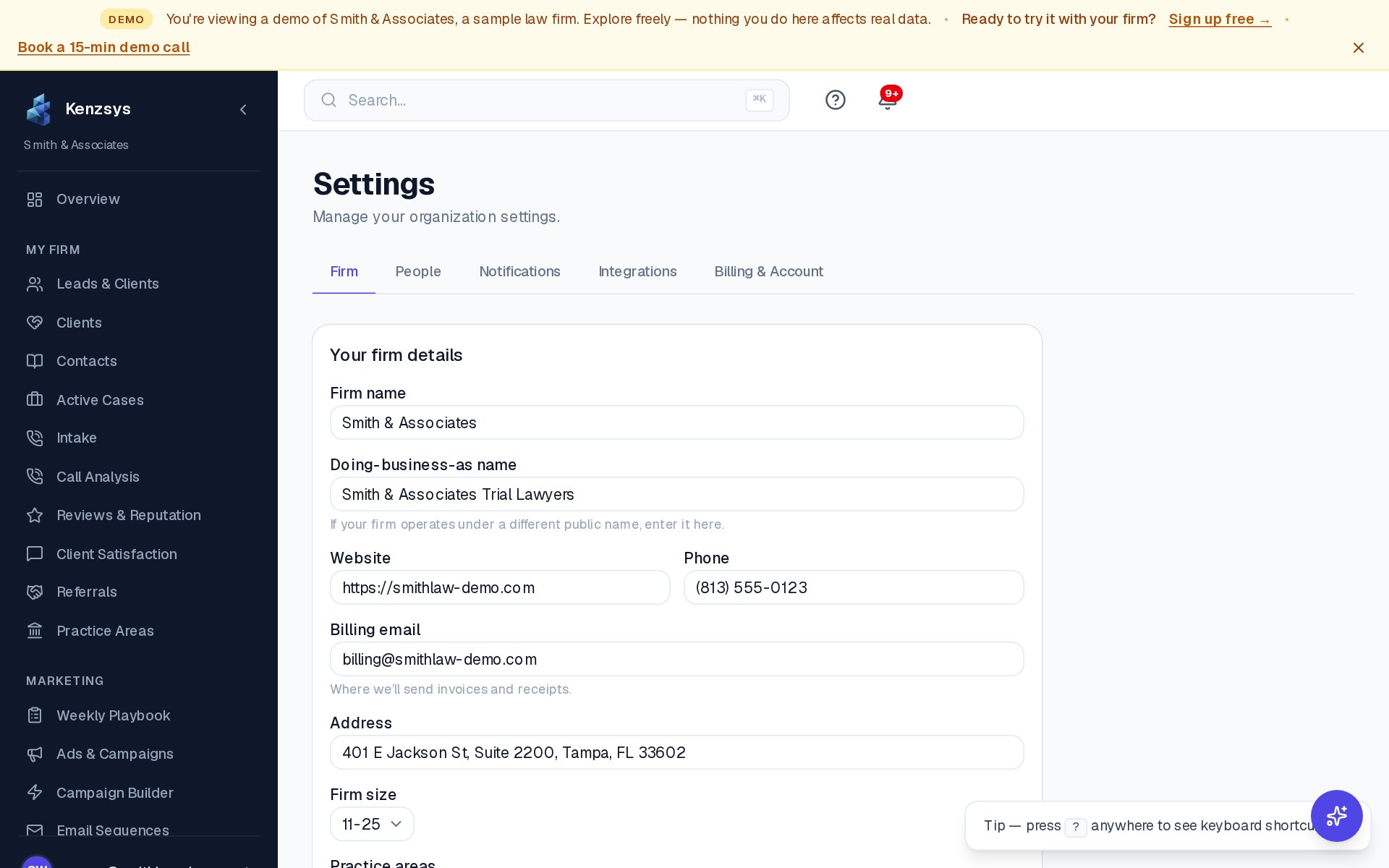
Ordinary access profiles for the Admin, Member, and Viewer roles are configurable directly from Settings → Team → Access Profiles by any of your firm's admins.
The Restricted Viewer role is different. Because it's meant to guarantee an outside party sees only an exact, intentional slice of your data, it isn't available from the normal Settings → Team invite screen. To set one up for a specific vendor, contact hello@kenzsys.com or your account contact and a Kenzsys platform admin will configure it for you.