Clio Integration
Clio is where retained-client attribution happens. When a matter is created in Clio, Kenzsys finds the matching lead in your pipeline and links them automatically. This is the integration that turns marketing data into true ROI by closing the loop from first call to signed retainer to case revenue.
What this integration enables
Once Clio is connected, the following become available in Kenzsys:
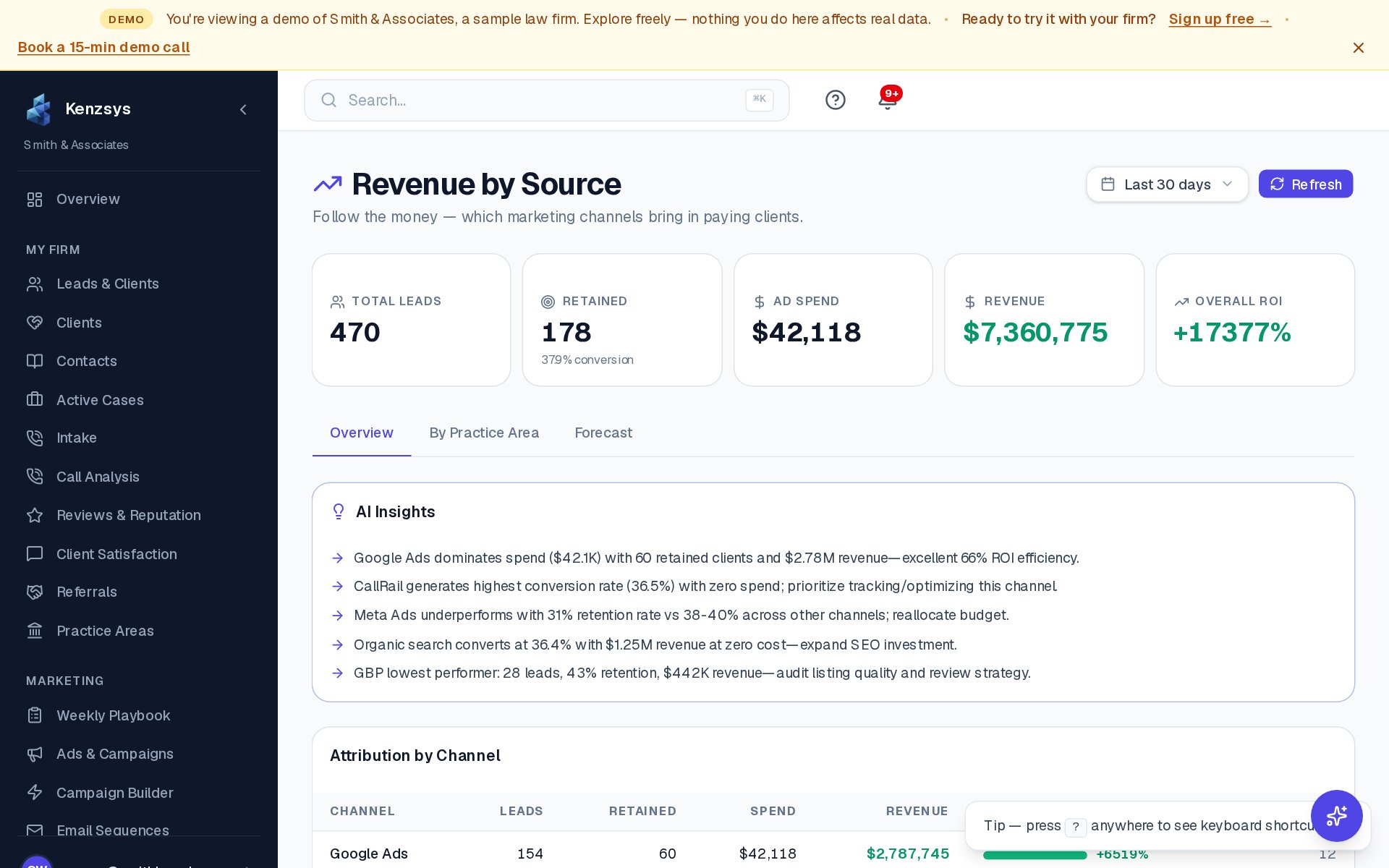
- The Retained Clients KPI on the dashboard starts counting matched matters.
- The Ad Return KPI starts calculating (also requires Google Ads or Meta).
- The Active Cases page lists every open matter synced from Clio.
- The Revenue page shows billing totals by practice area and originating attorney.
- The Contacts page mirrors your Clio contact list.
- Leads automatically progress to the Retained pipeline stage when a matching matter is created.
Step-by-step: how to connect
- In the Kenzsys left sidebar, click Settings, then click the Integrations tab.
- Find the Clio card and click Connect.
- A popup opens to the Clio sign-in page. Sign in with the Clio account that owns your firm's data.
- When prompted, choose your Clio region — US (clio.com) or CA (clio.ca). Pick the wrong one and the connection will fail.
- On the OAuth consent screen, review the requested permissions (read-only access to matters, contacts, and billing) and click Allow Access.
- The popup closes and the integration card flips to Connected. First sync begins automatically.
What syncs and how often
On the first connection, Kenzsys pulls:
- All open matters regardless of age.
- Closed matters from the last 12 months (used for historical attribution).
- Billing totals per matter (total invoiced, total paid).
- Originating attorney and practice area for each matter.
- Contact records for everyone tied to a matter.
After the initial backfill, Kenzsys re-syncs Clio every 6 hours. New matters created in Clio typically appear in Kenzsys within 1 to 6 hours of creation.
How retained-client matching works
When a new matter syncs from Clio, Kenzsys searches for a matching lead in your pipeline using:
- Exact match on phone number (most reliable).
- Exact match on email address.
- Fuzzy match on name + same office location.
On a match, the lead automatically moves to the Retained stage and the matter ID is linked. If there are multiple candidate leads (for example, two callers with the same name), the match goes to a manual review queue at Leads > Review queue.
Read-only by design: Kenzsys reads from Clio but never writes to it. We will never create, modify, or delete a matter, contact, or any other Clio record. The OAuth scopes we request are read-only — your Clio data is safe.
Multiple Clio accounts
Most firms only have one Clio account, but if your organization runs multiple firms or business entities through separate Clio installations, you can connect each one as a separate integration. Each Clio connection appears as its own card in the Integrations panel.
Troubleshooting
- "Authentication failed" — usually means you picked the wrong region (US vs CA). Click Reconnect and select the other region.
- Matters not appearing — confirm the Clio user you connected with has permission to view all matters across the firm. A junior user with restricted permissions will only sync the matters they personally can see.
- Leads not auto-progressing to Retained — check that the lead's phone
number in Kenzsys matches the contact's phone number in Clio exactly. Mismatched
formatting (e.g.
(555) 123-4567vs5551234567) is handled, but different numbers entirely will not match.