CallRail Integration
CallRail is the call-tracking system most law firms use to attribute inbound phone calls back to the marketing channel that produced them. Connecting CallRail to Kenzsys means every completed call becomes a lead automatically, with full source attribution, duration, recording, and geography.
What this integration enables
Once CallRail is connected:
- Every tracked call becomes a lead in Kenzsys within seconds of hang-up.
- Each lead is tagged with its source (Google Ads, Organic, GBP, Direct) based on CallRail's attribution.
- Call duration is captured and feeds the AI quality score.
- The recording URL (if CallRail recording is enabled) is linked on the lead detail page.
- The keyword that triggered the call (for Google Ads dynamic number insertion) is stored on the lead.
- Geographic data (city and state from area code) is captured for geo-match scoring.
Step-by-step: how to connect
- Log in to your CallRail account at callrail.com.
- In CallRail, click Settings in the left sidebar, then click Integrations, then API.
- Click Create API Key. Give it a name like "Kenzsys" so you can find it later. Copy the generated key — you'll need it in the next step. (CallRail only shows the key once; treat it like a password.)
- In a new tab, open Kenzsys. Click Settings in the left sidebar, then click the Integrations tab.
- Find the CallRail card and click Connect.
- Paste the CallRail API key into the field and click Save. The card flips to Connected and the first sync begins.
Where to find the synced calls
CallRail calls appear in two places:
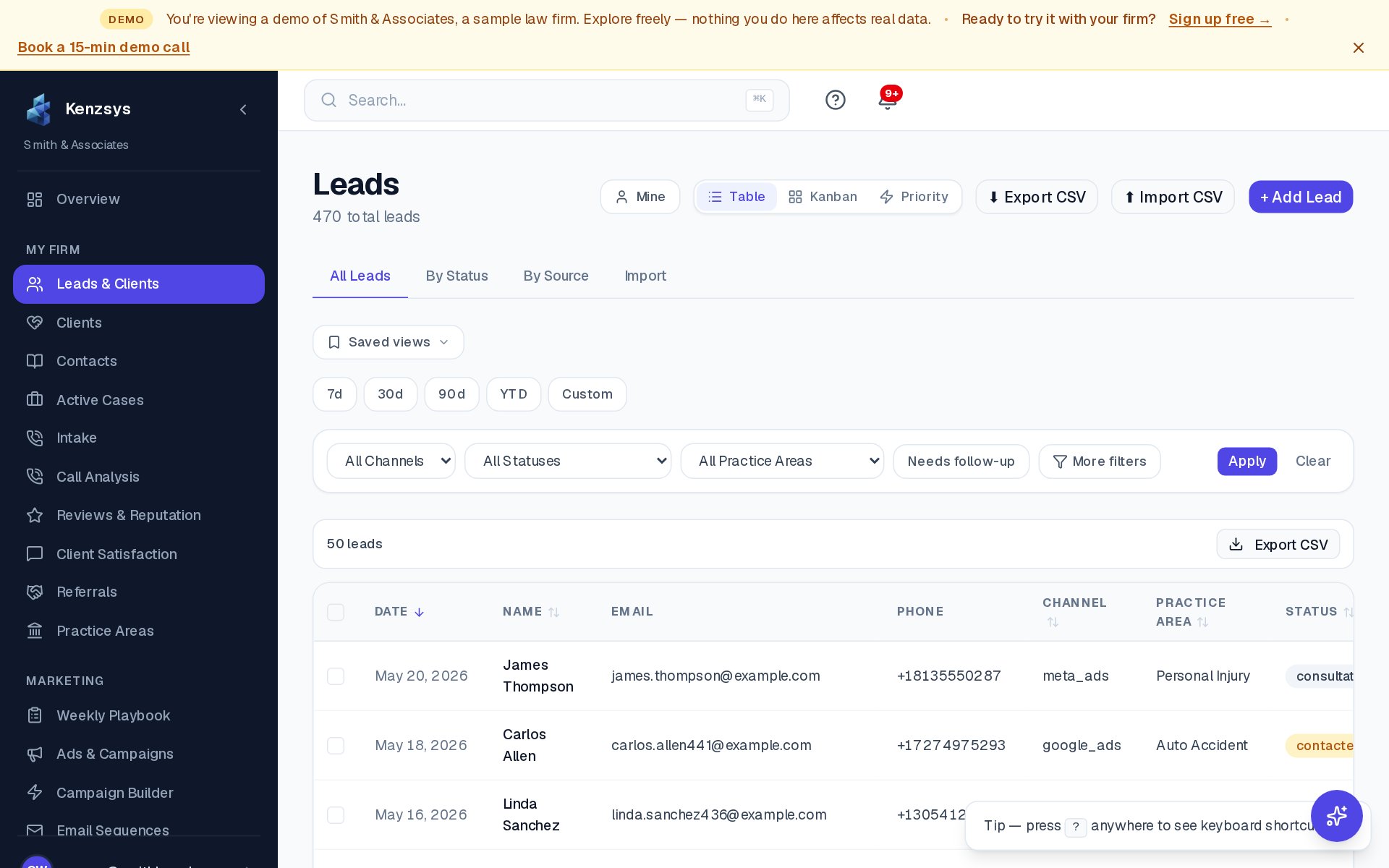
- Leads page filtered by source = Phone. Open the Leads page from the left sidebar, then click Source: Phone in the filter bar. Every CallRail call is listed here.
- Call Analysis page. The dedicated Call Analysis page (under Leads > Call Analysis) shows aggregate call metrics — total calls per day, average duration, missed-call rate, peak call hours, and the top tracking numbers.
Dynamic Number Insertion (DNI): For CallRail tracking to work properly, your firm's website must use CallRail's DNI script — the JavaScript snippet that swaps phone numbers on the page based on the visitor's source. Without DNI, calls from website visitors won't be attributed to Google Ads or organic search. Ask your web developer or agency to confirm DNI is installed before relying on attribution numbers.
Sync frequency
Calls land in Kenzsys within 30 to 90 seconds of the call ending. This is near real-time because Kenzsys polls CallRail every minute for new completed calls. Recordings appear at the same time the call lands, since the recording is referenced by URL rather than uploaded.
Troubleshooting
If calls aren't appearing in Kenzsys after connecting:
- Confirm the CallRail tracking number is actually in use on your website. Open your firm's homepage in an incognito window from a Google Ads click — the phone number shown should be a CallRail tracking number, not your office line. If it's your office line, CallRail's DNI script isn't active and calls won't be tracked.
- Place a test call. Call any of your tracking numbers, talk for at least 10 seconds, and hang up. Within 90 seconds the call should appear in the Kenzsys Leads page with source = Phone.
- Check the CallRail API key has the right scope. The key needs read access to calls, recordings, and form submissions. If you created a restricted key, regenerate with full read scope and paste the new key into Kenzsys.
- Confirm your CallRail account has the company selected. In CallRail's multi-company setup, the API key inherits the company scope of the user who created it. If your user only has access to one of multiple companies, calls from the other companies won't sync.