Weekly Marketing Playbook
Every Monday morning, Kenzsys delivers a six-item action list ranked by impact. This is the playbook designed to be the single page a busy firm owner reads to know what to do this week. Pick the items, work them, check them off — repeat next Monday.
What is the Weekly Playbook?
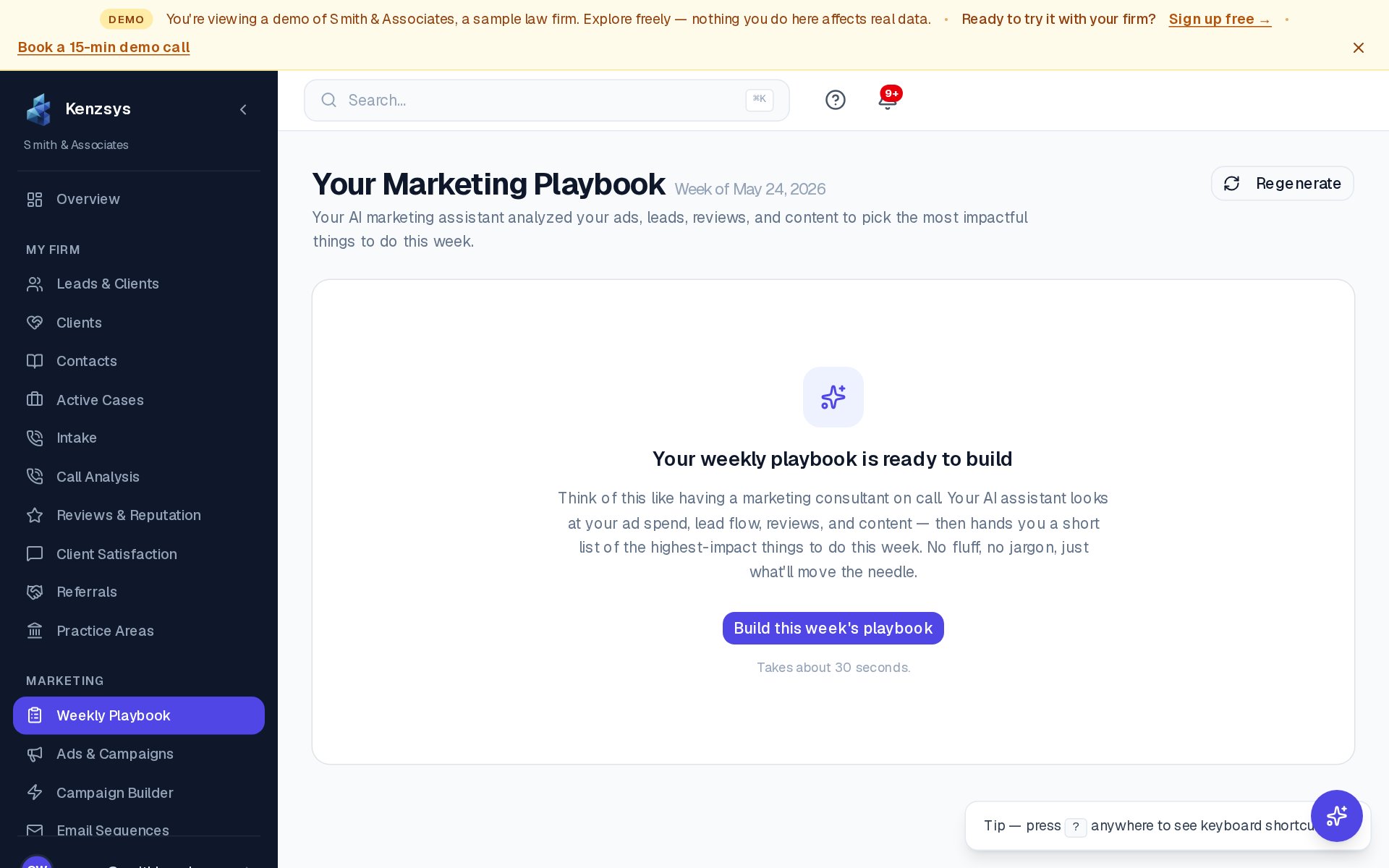
The Playbook is an AI-generated to-do list of the six most impactful marketing actions your firm should take this week. The AI looks across all your connected data — ads, calls, reviews, pipeline movement, content gaps — and ranks tasks by how much they're likely to move retained clients and revenue.
Where to find it
The Playbook lives in two places:
- In-app: Click Weekly Playbook in the left sidebar. The full list is visible there at any time, plus the previous 8 weeks of playbooks for reference.
- By email: Every Monday at 9 AM in your firm's time zone, Owners and Admins receive the Playbook as an email. The email has the full task list with deep links back into Kenzsys.
What kinds of tasks appear?
The tasks fall into a handful of recurring categories:
- Ad performance fixes. Example: "Your Google Ads CPL jumped 40% week-over-week on the 'PI Statewide' campaign — pause the top 3 underperforming keywords."
- Review responses. Example: "Respond to 4 new Google reviews — average rating is at risk of dropping below 4.8."
- Content gaps. Example: "No new blog post published in 60 days — your organic traffic is declining 8%/week."
- Intake speed. Example: "12 leads from last week are still in the New stage — every hour a lead waits drops conversion by 7%."
- Local SEO. Example: "Your GBP impressions dropped 22% — add 3 photos to your listing this week."
- Channel rebalancing. Example: "GBP is now your highest-converting channel — consider reallocating $1,200 from Google Ads to GBP optimization."
How to mark tasks done
- Open the Weekly Playbook from the left sidebar.
- Read each task. Each row has a brief one-sentence description, the supporting data, and an estimated impact rating (Low / Medium / High).
- To open the related page in Kenzsys, click View on the right side of the row.
- When you've completed a task, click the checkbox on the left side of the row. The task fades and moves to the bottom of the list under a "Completed this week" header.
- Tasks you don't intend to do can be dismissed by clicking the × icon. Dismissed tasks won't reappear in next week's Playbook.
How the AI ranks tasks
Three inputs feed the ranking:
- Anomalies from the past week. Any unusual spike or drop becomes a candidate task. Larger deviations rank higher.
- Missed opportunities. Things the AI knows you should be doing but aren't — unanswered reviews, stale blog content, untagged campaigns, unreplied leads.
- Historical patterns from your firm. The AI learns which kinds of actions produced lift the last time you took them. Actions that worked before rank higher.
Tip: The Playbook is the most useful thing in Kenzsys for a non-marketer to read. If your managing partner only opens Kenzsys once a week, this is the page to point them at.
Turning off the email
If you want to keep using the Playbook in-app but stop receiving the Monday email, go to Settings > Notifications and turn off the Weekly Playbook Email toggle. Each user controls their own email delivery — toggling it off only affects you.