Developer / API
Kenzsys exposes a read-only REST API that lets developers pull lead, attribution, and KPI data into external tools — data warehouses, custom dashboards, BI tools, or homegrown reporting systems. This page covers authentication, base URL, the most common endpoints, and rate limits.
Who is the API for?
The API is intended for technical users — typically an in-house developer or an outside consultant working with your firm. If you don't write code, you can skip this page; the standard Kenzsys reports and CSV exports cover most non-developer use cases.
How to generate an API key
- Sign in to Kenzsys as an Owner or Admin (other roles can't manage API keys).
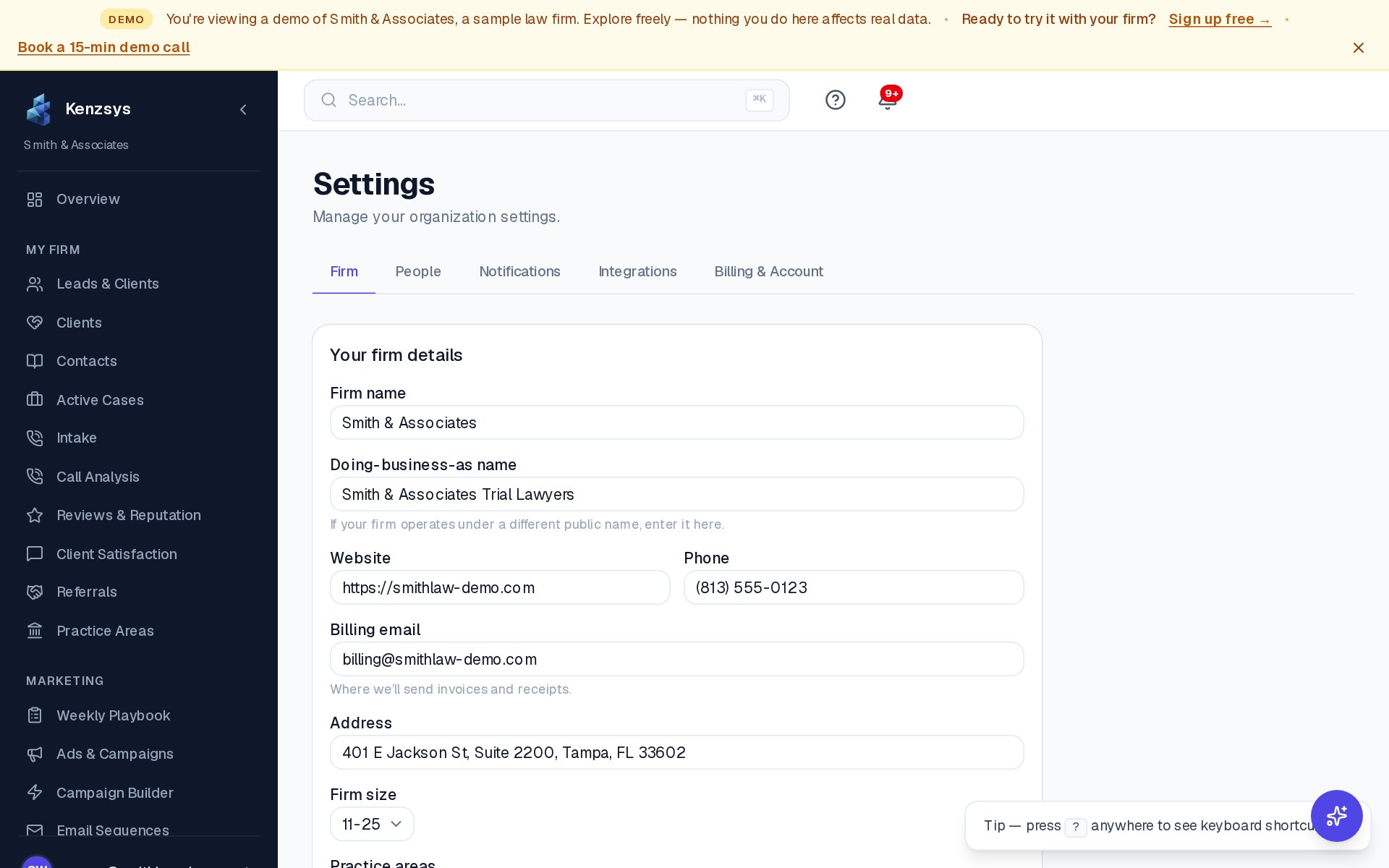
- Click Settings in the left sidebar.
- Click the API tab.
- Click Generate key.
- Give the key a label (for example, "BigQuery sync" or "Internal dashboard") so you can identify it later.
- Click Create. Kenzsys displays the key once — copy it immediately and store it somewhere safe (a password manager or your application's secret store).
You can only see the key once. Kenzsys never shows the full key again after creation — only a masked preview (e.g. kz_live_••••3f9a). If you lose a key, revoke it and generate a new one. Treat API keys like passwords; never commit them to version control.
Base URL
All API requests go to:
https://app.kenzsys.com/api/v1The API only accepts HTTPS. Plain HTTP requests are rejected.
Authentication
Authenticate every request with a Bearer token in the Authorization header:
Authorization: Bearer kz_live_your_full_api_key_here
Requests without an Authorization header (or with an invalid key) return a
401 Unauthorized.
Common endpoints
-
GET /leads— list leads. Query parameters:from,to(ISO dates),source,stage,limit(default 50, max 500),cursor(for pagination). -
GET /leads/:id— retrieve a single lead with its full timeline, score breakdown, and linked matter (if retained). -
GET /attribution— attribution rollup by channel, campaign, and ad group for a given date range. Query parameters:from,to,group_by(channel, campaign, or ad_group). -
GET /kpis— headline KPIs (leads, CPL, Ad Return, retained clients) for a given date range. Query parameter:period(7d, 30d, 90d, or custom withfrom/to). -
GET /matters— list matters synced from Clio, with linked lead IDs.
Example request
Fetch all leads from January 2026 with source = Google Ads:
curl -H "Authorization: Bearer kz_live_..." \
  "https://app.kenzsys.com/api/v1/leads?from=2026-01-01&to=2026-01-31&source=google_ads"
The response is a JSON object with a data array of lead records and a
next_cursor field for pagination.
Rate limits
The API allows 60 requests per minute per API key. Exceeding the limit
returns a 429 Too Many Requests with a Retry-After header
indicating how many seconds to wait before retrying.
For bulk historical pulls (e.g. backfilling a data warehouse), implement exponential backoff
and respect the Retry-After header. Most legitimate use cases fit comfortably
within 60 req/min — if yours doesn't, email support to discuss.
Error codes
400— malformed request (invalid query parameters, bad date format).401— missing or invalid API key.403— API key valid but doesn't have access to the requested resource.404— resource not found (wrong lead ID, etc.).429— rate limit exceeded.500— server error. Retry with backoff.
Revoking a key
To revoke an API key:
- Go to Settings > API.
- Find the key in the list and click Revoke.
- Confirm the revocation.
Revoked keys stop working immediately. Anything using the revoked key will start returning
401 Unauthorized on the next request.
Webhooks for new leads are on the roadmap. Today the API is pull-only — your system polls Kenzsys for changes. Outbound webhooks for events like lead.created and lead.stage_changed are planned. Email hello@kenzsys.com to be notified when they ship.